 ZagalaSpec · ATDD acceptance testing for Unreal Engine
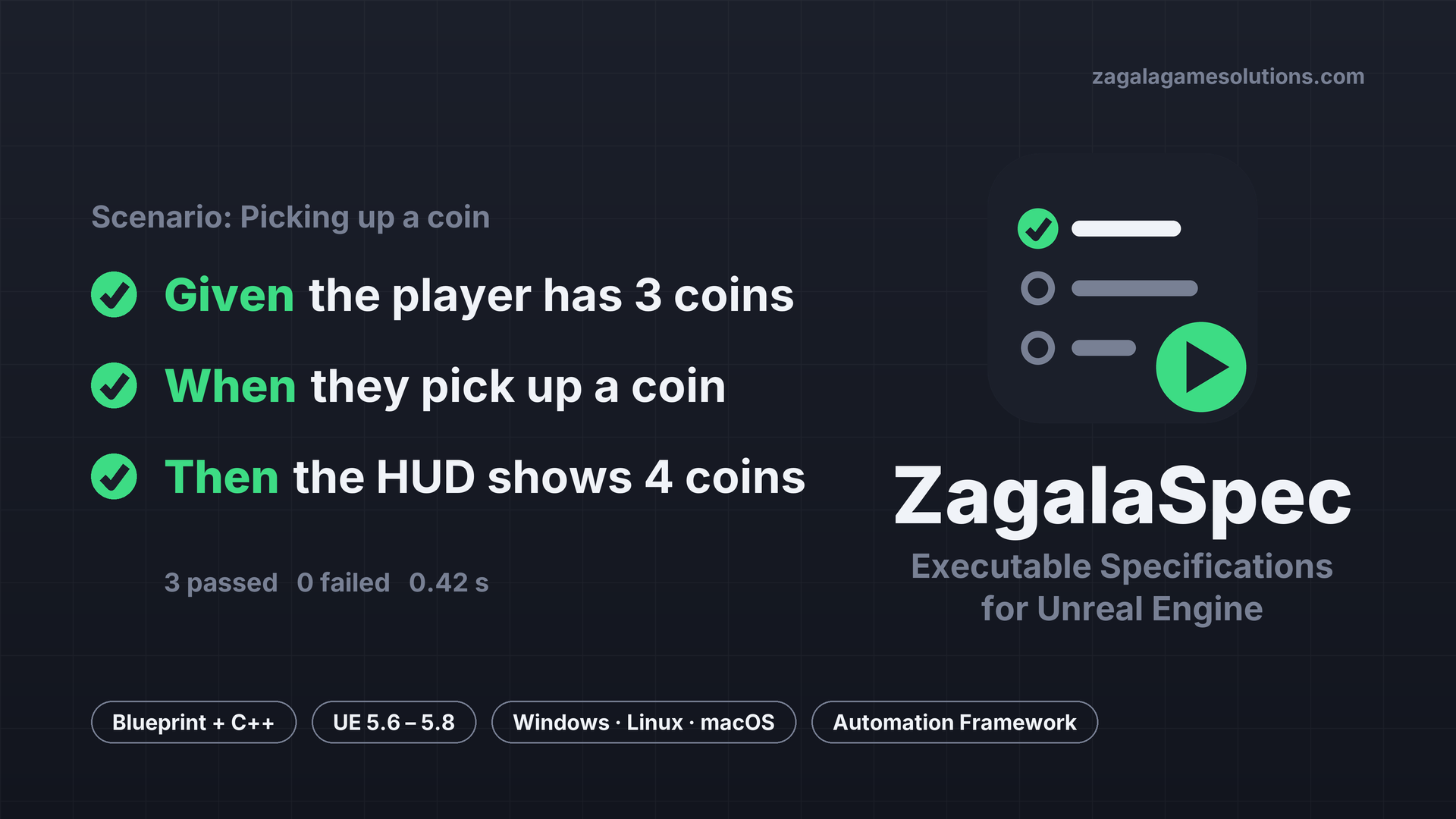
Turn the things you agreed on into things you can run.
Write it down once. Check its status at all times.
- Blueprint + C++
- UE 5.6 – 5.8
- Windows · Linux · macOS
Every project has them
The problem- The meeting that ends with nods and no deliverable
- The department that ships a feature nobody else knew about
- The bug that was fixed in March and is back in June
- That AI prompt that screwed up the codebase
- Stale documentation
- The question “is that feature actually done?” answered with a shrug
Living documentation that Unreal can verify
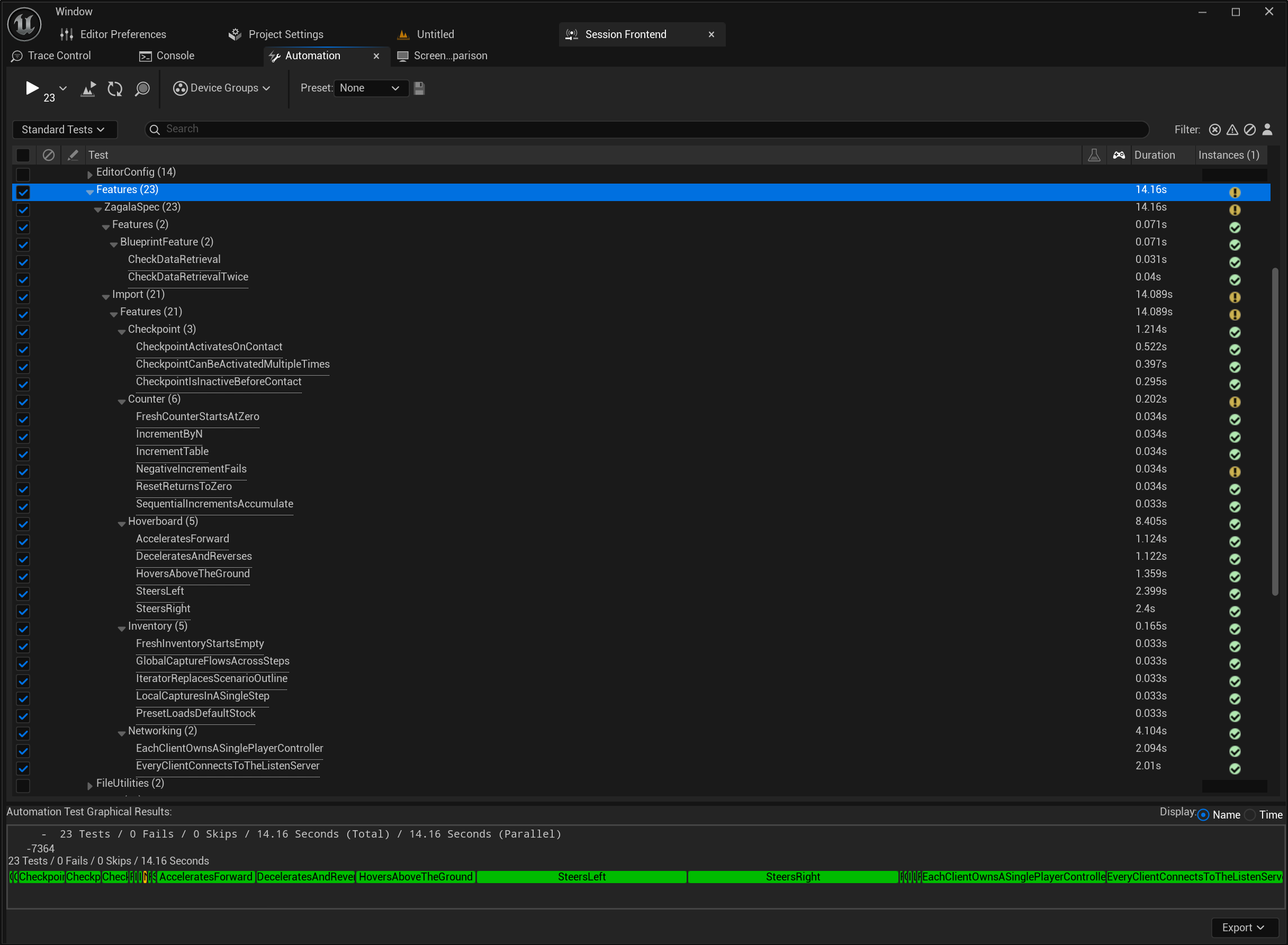
How it worksThe team writes what the feature should do, then connects those sentences to real implementation once. From then on, every sentence is a test that passes or fails in the feature itself, in the Session Frontend or on your build machine.
It has opinions, not handcuffs. Keep it simple with one Blueprint step, or use the full test-case → domain language → protocol driver → system layering when a feature grows. Steps are reusable, so new scenarios usually mean new sentences, not new code.
A specification is not a contract carved in stone. Changing your mind means editing a sentence and running it again.
What you get
FeaturesWrite it
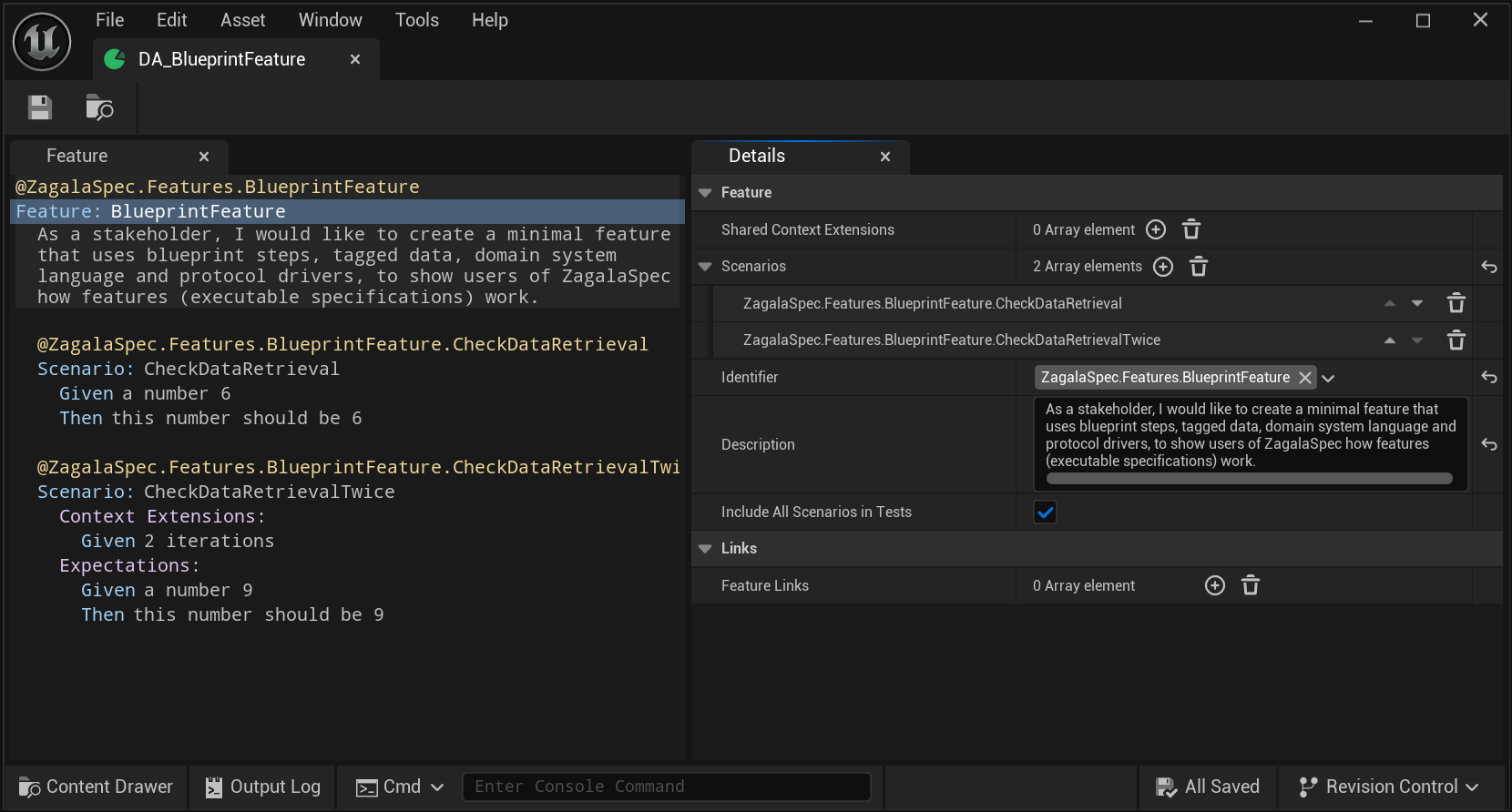
- Human-readable sentences that describe feature behavior
- Single-step Blueprint scenarios or a layered architecture for complex features
- Import/Export from and to plain text formats
Connect it
- Regex step patterns with capture groups to inject values
- Test-case, domain language, protocol driver, system, or all-in-one
- Optional communication layer for sharing data between steps
Run it
- Unreal Automation Framework and Session Frontend
- Headless runs on your build machine
- Asynchronous step execution by default
Extend it
- Interface-based architecture for flexible extension
- Full source code available
- 6 worked examples: Blueprint-only, in-memory C++, physics, multi-actor, multiplayer in the editor
Running in about two minutes
Get started- 01
Install
In the Epic Games Launcher, open your Fab Library and choose Install to Engine.
- 02
Enable
Open your project, go to Edit > Plugins, enable ZagalaSpec and restart the editor.
- 03
Run
Open Tools > Session Frontend > Automation, filter by Features.ZagalaSpec and press Start Tests.
Requirements & support
Notes- Unreal Engine 5.6 to 5.8, in Blueprint-only and C++ projects. A development tool, never included in Shipping builds.
- Requires the GameplayTagsEditor plugin to be enabled. It is included with Unreal Engine.
- Best-effort support through the Discord, the documentation and [email protected], Monday to Thursday, 09:00–13:00 ET · 06:00–10:00 PT · 15:00–19:00 CET.
- AI was used to help generate this plugin, always under supervision and review of the development team.
Learn more: ZagalaSpec in practice
Article series- 01ZagalaSpec: Living Specifications Unreal Can Verify
Turn what your team agreed on into plain-sentence scenarios that run as Unreal automation tests. An overview of ZagalaSpec for studio leads.
Ready to try it?
Put a safety net under your project and catch regressions early.